Manage your bots
My bots shows each saved strategy as a card with its price range, paper budget, source and status.
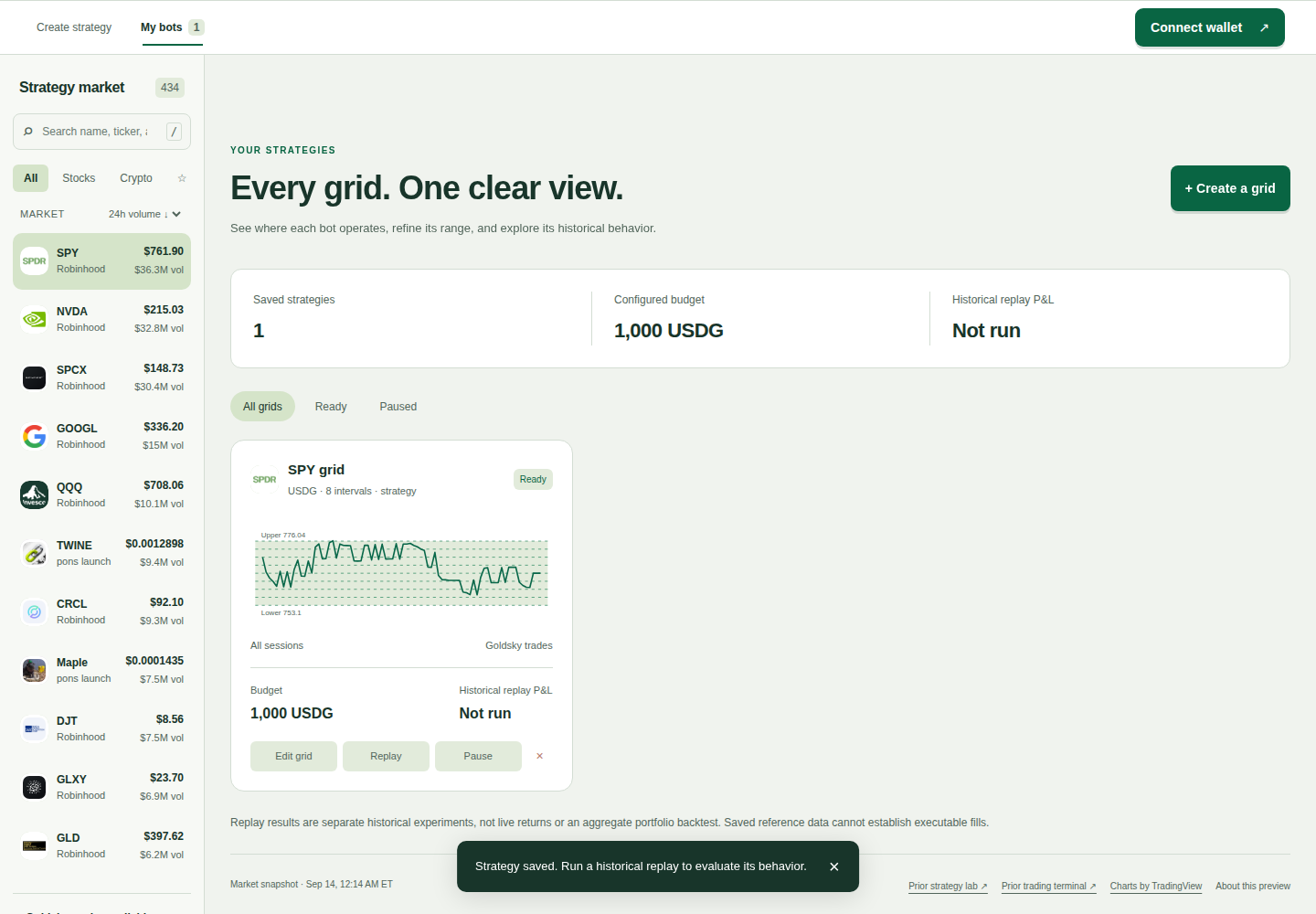
Edit a range
Choose Edit grid on a card. Adjust the range or budget, then review and save the changes.
Try a historical replay
Replay runs a simplified experiment over the available saved observations. The result is historical replay P&L, not live earnings. Fees are assumed, execution is simplified, and remaining inventory is valued at the last observation.
Results cannot establish how the strategy would have filled in a real market. Compare the data source and coverage before comparing two bots. Understand the data and limits.
Pause or remove a bot
Pause prevents replay while the bot is paused. Resume makes replay available again. Ready means a saved paper configuration is available; it does not mean a live trading service is running.
The remove action deletes a saved bot, with an undo option. Removing a paper bot does not withdraw money because the preview holds no funds.
Where your bots are saved
Bots and drafts live in this browser's storage. Clearing site data can remove them. They do not sync between devices, browsers or private browsing sessions. Keep your own record of configurations you want to preserve.